

Creo 13 brings AI into mechanical design through three levels that PTC calls Advise, Assist, and Automate. In its assessment, the tools become more capable but are at different stages of availability. Engineers should judge them by the information each can access and the tasks each performs, says Leo AI.
Advise is a chat assistant for Creo guidance and troubleshooting. It can help users find commands or investigate why a feature fails to regenerate. Assist, in beta, reads the active 3D model. It can extract dimensions and support changes across related features. Automate remains in alpha. It aims to interpret a design objective and propose geometric changes, which an engineer can review before accepting them. These capabilities sit alongside Creo’s generative design tools.
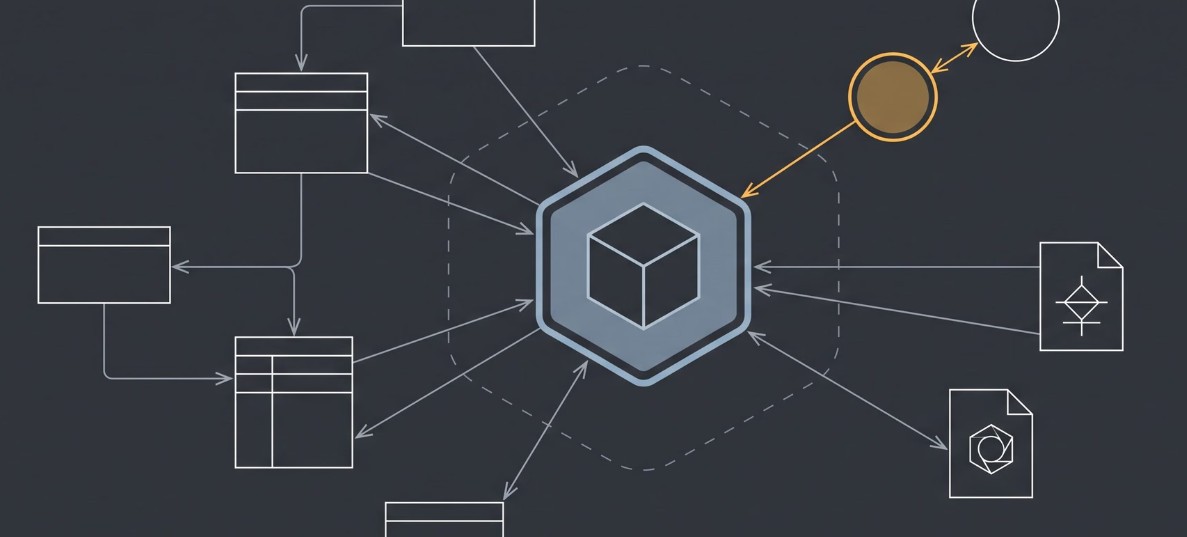
Leo identifies a limit in the information available to AI working inside a CAD session. A model may show current geometry without explaining why a tolerance was chosen, what a similar part cost, or whether an earlier design was rejected. Such context can reside in product data management systems, change orders, supplier documents, standards, and enterprise resource planning records. Teams using several CAD platforms face another obstacle when relevant parts live in different file formats.
The article positions Leo’s assistant as a way to search those outside sources and return answers with citations. That recommendation comes from a company selling the additional software, so it is best read as its proposed division of work: use Creo’s assistant for questions about the open model and connected search tools for organizational history.
PTC confirms that its released Creo AI Assistant provides guidance and that a model-reading capability is in beta. For engineers evaluating the tools, the practical test is whether an answer or proposed edit can be checked against geometry, governing documents, and previous decisions before it enters a production design.
