
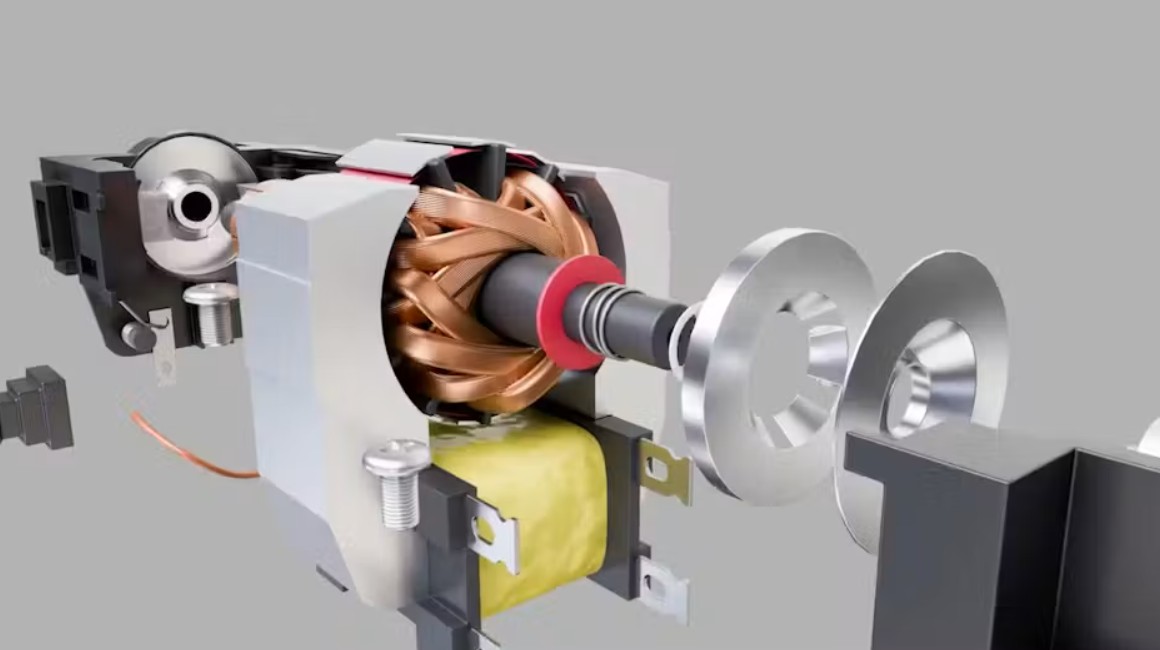
Turning an engineering CAD assembly into an installation animation involves more than exporting a model and handing it to a visualization team. CAD systems represent geometry differently from animation software, creating conversion and preparation challenges that can affect accuracy, appearance, and production time, tells Machine Design.
STEP files, commonly used to exchange CAD data, contain precise surfaces and solids. Animation applications such as Blender, Cinema 4D, and 3ds Max work with polygonal meshes. Converting CAD geometry into meshes can produce thin triangles, shading errors, and other visual defects that require cleanup or remodeling. Missing components, misaligned parts, and inconsistent units can create additional problems.
A CAD model also does not explain the installation sequence. Animators need assembly manuals, photographs of the finished product, information about the intended setting, and, for complex equipment, guidance from engineers. The manual effectively becomes the animation script, while photographs help reproduce materials, colors, and finishes accurately.
Large industrial assemblies present another challenge because they may contain thousands of components. Animators can improve performance by dividing models into manageable sections, removing unseen internal geometry, combining repetitive components such as bolts and washers, and organizing parts according to function. Any unusual geometry or component placement should be confirmed with engineers before animation begins.
Technical accuracy remains central to the finished animation. Parts should move along physically realistic paths, installation steps should follow the manual, and appropriate tools and torque specifications should appear when required. Repetitive operations can be demonstrated once in detail and then accelerated.
Engineers can reduce rework by checking exports before delivery. Confidential geometry can be simplified rather than deleted, assemblies should be checked for completeness and alignment, and consistent units should be maintained across files. Providing STEP alongside STL, OBJ, or FBX files can also simplify the animator’s workflow.
The article shows that a few minutes spent preparing CAD data can save days of animation cleanup while producing installation videos that remain faithful to the engineering documentation.
