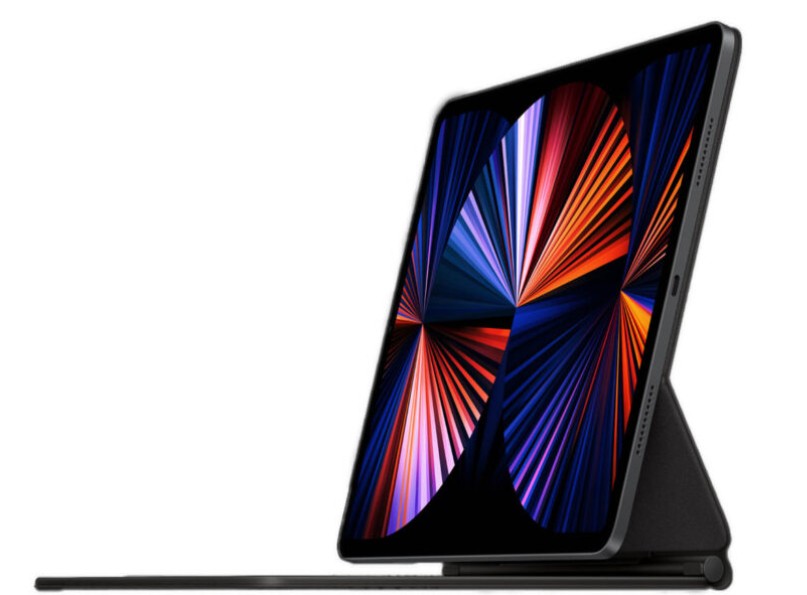
Apple’s iPad has evolved into a capable sketching platform, driven by hardware advances such as M-series chips and tighter integration with the Apple Pencil. A recent roundup in Develop 3D highlights five professional-grade apps that demonstrate just how far mobile sketching has come, offering designers a range of tools tailored to different creative workflows.
Leading the list is Procreate, a long-standing favorite known for its speed and intuitive interface. It combines a powerful brush engine with customizable tools, gesture-based controls, and support for high-resolution canvases. Recent additions, including animation features and time-lapse recording, expand its role beyond pure sketching into content creation.
Adobe Fresco takes a broader approach by integrating sketching into the wider Creative Cloud ecosystem. Its strength lies in versatility, offering a mix of raster and vector tools alongside seamless connections to Photoshop and Illustrator. For designers already working within Adobe’s environment, this continuity can streamline workflows significantly.
Affinity Designer 2 stands out for combining vector and raster capabilities in a single app. Now available for free, it offers professional-grade tools such as unlimited artboards and full Apple Pencil sensitivity, making it particularly appealing for designers working on logos, layouts, and detailed illustrations.
Sketchbook Premium focuses on simplicity. Its clean, distraction-free interface is designed to keep attention on drawing, while features such as symmetry tools, rulers, and brush customization support precision and speed during early-stage concept work.
Rounding out the selection is Clip Studio Paint Pro, which caters to illustrators and comic creators. With extensive brush libraries, downloadable materials, and strong animation support, it offers depth for users who need more than basic sketching tools.
Together, these apps reflect a broader shift in design workflows. The iPad is no longer just a companion device but a primary creative tool, capable of handling everything from quick ideation to detailed, production-ready artwork.
